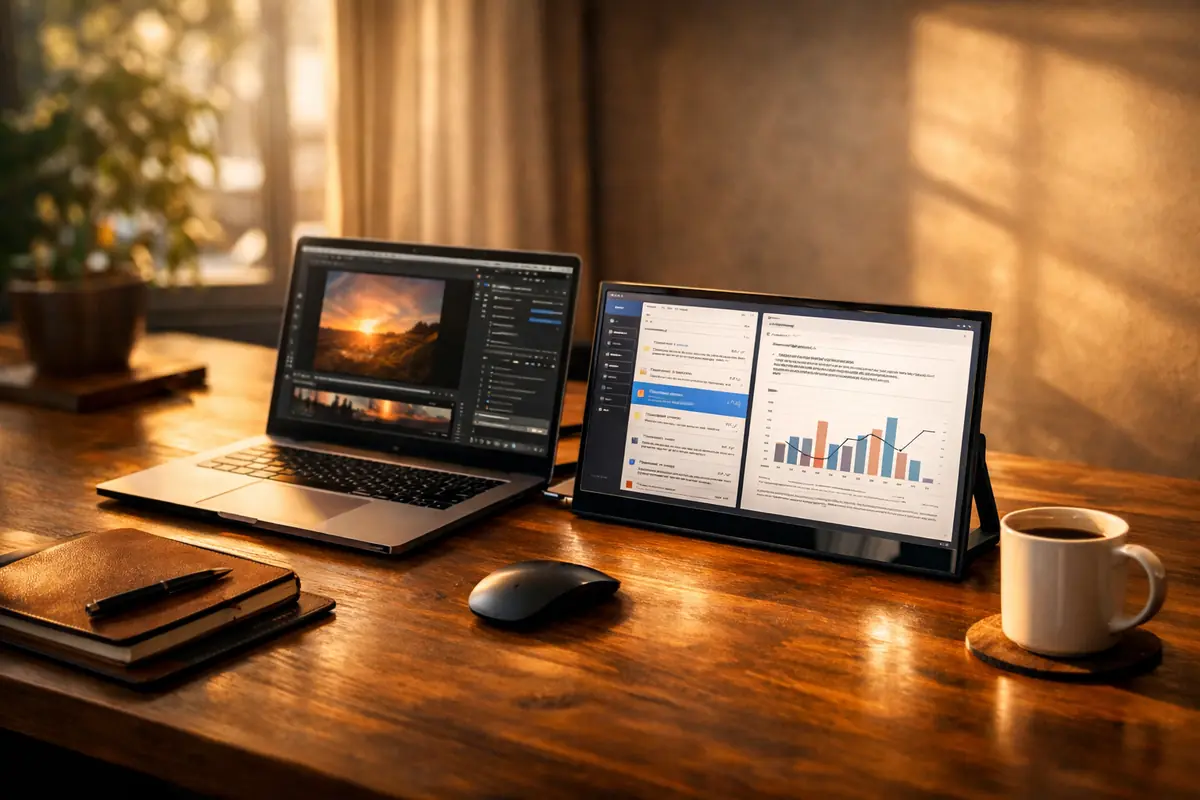
Most people accept one laptop screen as the price of working on the go. But one of the simplest productivity upgrades is a portable monitor: a slim second display that gives your laptop the breathing room of a dual-screen setup almost anywhere.
That matters because a single screen creates constant friction. You write, switch tabs, check a reference, return to the draft, lose your place, and do it again. A second screen separates those jobs naturally. The main display can hold the work itself while the other handles email, research, notes, dashboards, or calls.
For anyone who compares information across windows, that change feels immediate. It is less about luxury than reduced mental clutter. You stop managing windows and start doing the work inside them.
That is why portable monitors are especially useful for people whose work naturally splits in two: a writer with research open beside a draft, a programmer with documentation next to code, or a student reading sources while taking notes. The gain is not abstract. It shows up as fewer interruptions.
Portable monitors have become more practical because modern work is no longer tied to one desk. Remote workers, students, consultants, developers, and designers now move between home offices, shared spaces, and travel days. A full monitor is inconvenient. A thin display that slides into a laptop bag is not.
Many current models make the setup even easier. USB-C often handles both power and video through one cable, which means you can open the screen, plug it in, and be working in seconds. Some models also include built-in stands, pass-through charging, or touch support, but the main attraction is still simple: more usable space.
If you are shopping for one, a few things matter more than marketing language. Look for USB-C connectivity, a bright 1080p or better panel, low weight, and a stand or cover that lets the screen sit at a sensible angle. The best portable monitors are not just thin. They are easy to live with.
It is also worth checking whether your laptop’s USB-C port actually supports video output, because that detail determines whether the one-cable promise is real or whether you will need adapters. Small compatibility checks save a lot of frustration.
That is why this gadget has become so useful. It solves a daily problem without asking you to replace your laptop, relearn software, or change how you work. It simply removes a bottleneck.
A portable monitor may not be the flashiest tech purchase of the year. But it is one of those rare upgrades that can make work feel calmer, faster, and less cramped from the first day you use it.
This article contains affiliate links. We may earn a small commission if you buy through them, at no extra cost to you.
Worth considering
ASUS ZenScreen MB16AC — A slim, USB-C powered portable monitor with reliable color accuracy and build quality. A solid choice if you want premium portability without compromises.
Arzopa 15.6” Portable Monitor — Strong value for most users, with a full 1080p panel and USB-C connectivity at a competitive price point.
Lenovo ThinkVision M14 — Lightweight and business-friendly, with a clean matte display that works well in bright environments.