The Case for Owning Your Own Cloud
Every photo you take, document you edit, or video you stream probably lives on someone else’s computer. We call it “the cloud,” but in reality it’s just storage in a massive data center owned by a tech company.
For most people that’s convenient. But it also means your data depends on someone else’s pricing, policies, and uptime.
That’s why a growing number of people are exploring a different idea: running their own personal cloud at home.
A Cloud You Actually Own
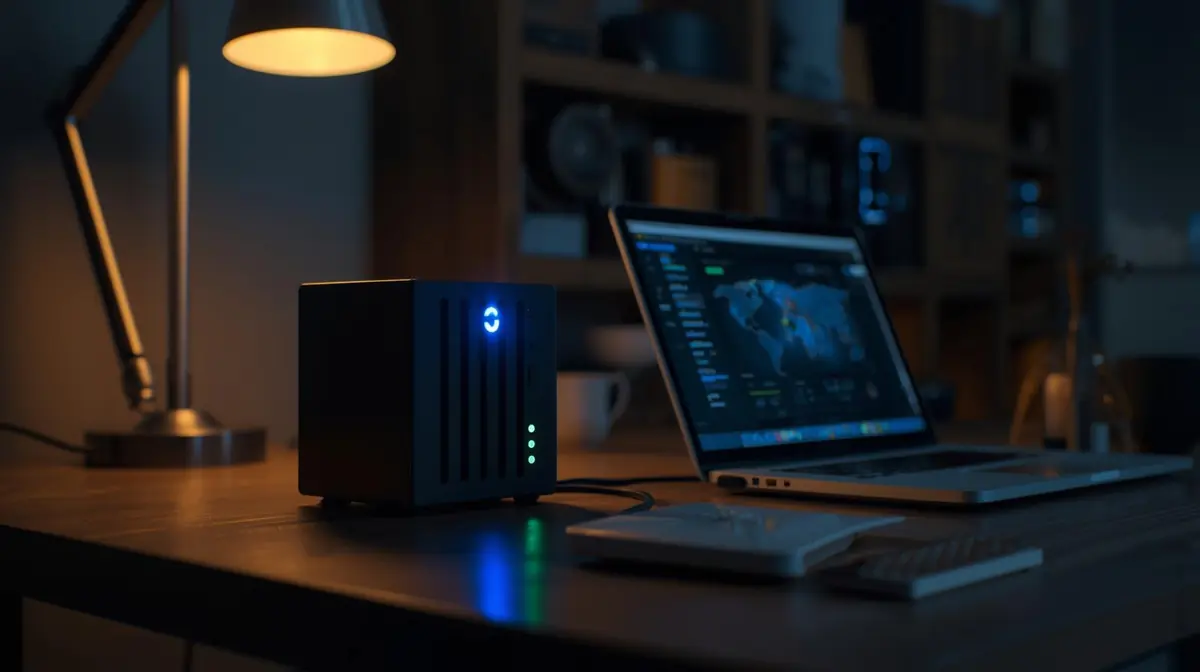
Instead of paying for storage forever, a home server allows you to store files on hardware you control. These systems are commonly called NAS devices (Network Attached Storage).
They connect to your home network and quietly handle tasks like:
- backing up every computer and phone
- storing photos and videos
- syncing files between devices
- streaming movies and music
In other words, they do many of the things cloud services do — except the data lives in your house.
Privacy Is Becoming a Feature
The biggest advantage isn’t just saving money on subscriptions. It’s control.
When your files sit on your own hardware, you decide who can access them. Family photos, work documents, and creative projects stay private unless you choose to share them.
For creators and small businesses, this means reliable backups without depending entirely on third-party platforms.
In a world where digital ownership sometimes feels temporary, physical ownership still matters.
When Your Internet Goes Down
Another surprising benefit is reliability. If your internet fails, cloud services stop working. A home server continues running.
You can still stream media, access files, and back up devices inside your home network. In many cases, local transfers are also much faster than downloading files from the internet.
Bringing the Cloud Back Home
Not everyone needs a personal server. But the shift is revealing something interesting.
As technology becomes more centralized, some users are intentionally decentralizing.
Running your own cloud doesn’t reject modern technology — it refines it. It blends convenience with autonomy.
The irony? The most futuristic move in computing might be bringing your data back home.
This article contains affiliate links. We may earn a small commission if you buy through them, at no extra cost to you.
Worth considering
UGREEN NAS DH2300 2-Bay Desktop NAS — A compact entry-level NAS device for home use. Two bays give you room for storage redundancy, and it works well as a starting point for anyone new to personal cloud setups.
WD Red Plus NAS Hard Drive — NAS-rated drives designed for continuous operation and vibration resistance. More reliable than standard desktop drives and worth the extra cost for an always-on home server.